IMM Car Parts Brush Pack for ZBrush | Body, Wings, Tires
Free
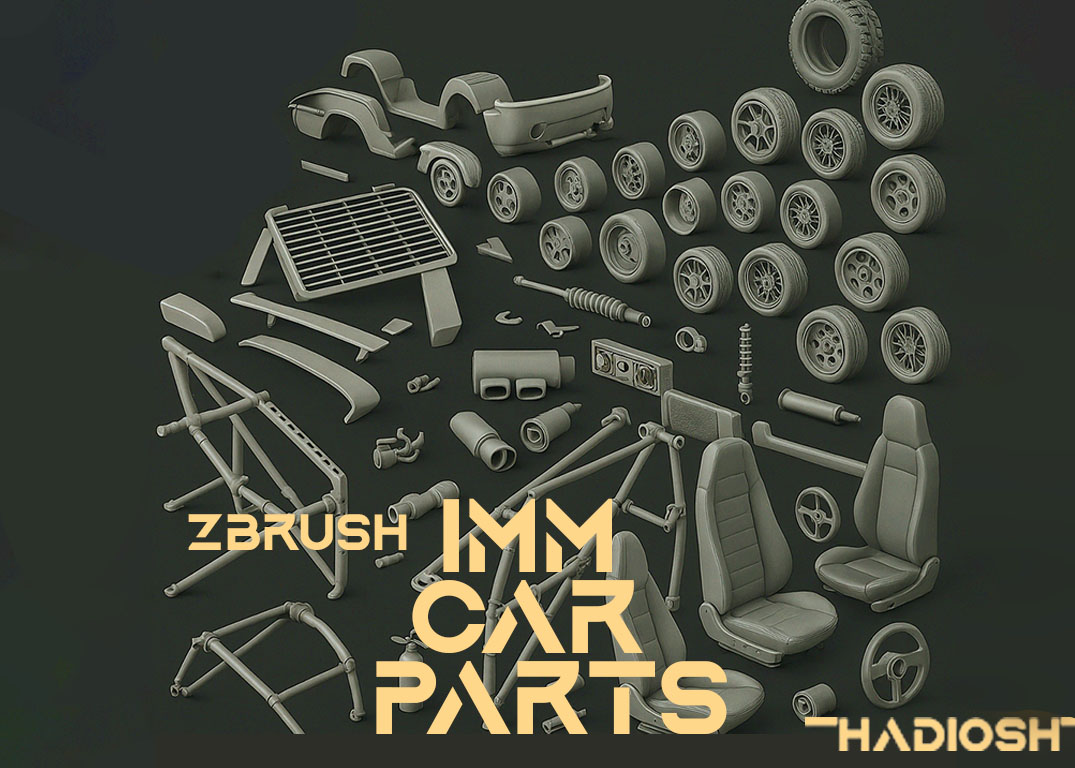
FREE ZBrush IMM Car Parts Brush Pack: Body, wings & tire components. Kitbash vehicles instantly – 50+ ready-to-use parts. Download now!
compatible
2024+
Description
FREE ZBrush IMM Car Parts Brush Pack: Body, wings & tire components. Kitbash vehicles instantly – 50+ ready-to-use parts. Download now!
Ultimate FREE Car Parts Kitbashing Kit for ZBrush: Body, Wings & Tires
Rev up your vehicle designs! This FREE IMM brush pack gives you instant access to 50+ modular car components for fast kitbashing in ZBrush. Perfect for concept artists, game developers, and industrial designers.
🚗 What’s Included:
Body Parts Doors • Bumpers • Fenders •
Aero Components • Diffusers • Side Skirts • Air Vents
Tire SystemsWheels • Tires
⚡ Why This Pack Rocks:
- ✅ Drag & Drop Creation: Build cars in minutes, not hours
- ✅ Modular Design: Mix parts to create endless variations
- ✅ Real-World Accuracy: Based on actual automotive engineering
- ✅ ZBrush IMM Brushes: Native .ZBP format works instantly
- ✅ 100% FREE: No hidden costs or subscriptions
🔥 Pro Features:
- • Optimized topology for subdivision
- • Pre-scaled components for perfect fit
- • Hard-surface friendly edge flow
🚀 Perfect For:
- • Concept car prototyping
- • Game vehicle design
- • mechanical parts
- • Automotive visualization
⚙️ How to Use:
- 1. Load any IMM brush from the pack
- 2. Click to place parts on your mesh
- 3. Combine with ZModeler for custom edits
Pro Tip: Combine with our Mechanical IMM Brush for mechanical detailing!
9 reviews for IMM Car Parts Brush Pack for ZBrush | Body, Wings, Tires
Related products
-
ZBrush IMM Handgun Maker Pack — Modular Grip, Upper, Barrel & Scope Brushes
From $0.00 to $20.00 Add to cart -
FREE Download: 26 Lowpoly Rocks IMM Brushes for ZBrush | Game-Ready Stone Pack
Free Add to cart -
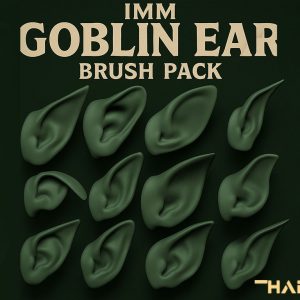
FREE Goblin Ear IMM Brush Pack for ZBrush | 17 Fantasy Creature Ears
Free Add to cart -
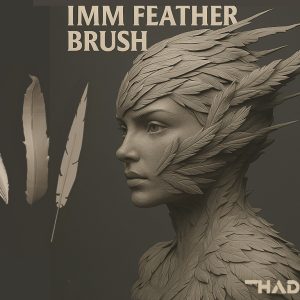
IMM Feather Brush Pack for ZBrush – Free Download
Free Add to cart
Daniel Price –
Handy brush pack. Helped me block out quick car shapes without wasting time.
Olivia Green –
Decent brushes, they do the job. Could use a bit more polish on the tire details.
Oliver Hayes –
Solid model with clean topology. Dropped it straight into Blender and it worked great.
Amelia Brooks –
Really impressed with the details. Normal maps pop nicely under dynamic lighting.
Liam Foster –
Good value, but the material setup took some tweaking in Unreal.
Harper Mitchell –
Decent free asset. The proportions feel slightly off, but nothing game-breaking.
Mason Reed –
Nice starting point, though textures looked a bit flat until I adjusted roughness.
Ella Rivera –
Not ideal for cinematics—mesh is too simple. Works fine for background props though.
Jack Sullivan –
Disappointed. The preview images looked sharper than the actual asset.